

Fast Computer Repairs provides professional laptop repairs on the Gold Coast for Windows laptops and many Apple MacBook models. Whether your laptop is running slowly, overheating, not starting or physically damaged, we can inspect the problem and explain the available repair or upgrade options.
Laptop Repairs for Common Hardware and Software Problems
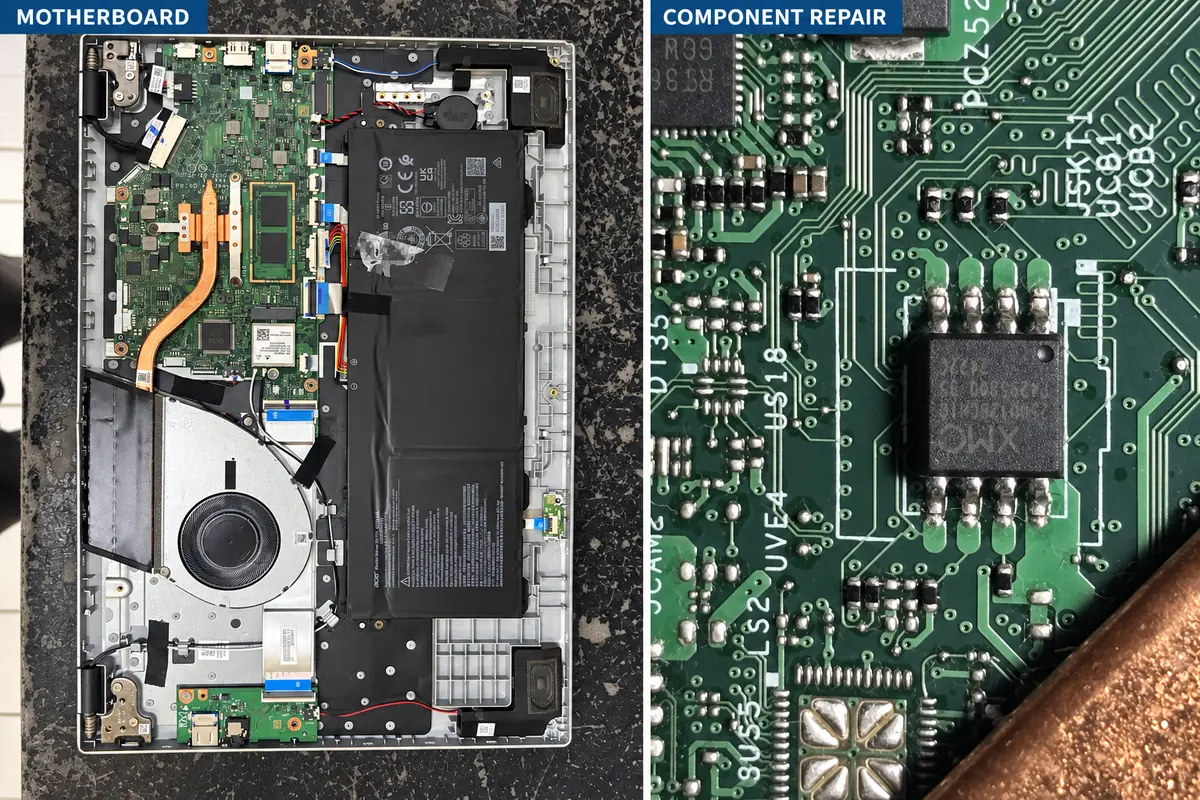
For example, we repair damaged screens, hinges, keyboards, charging sockets, USB ports, cooling systems and suitable motherboard faults. In addition, we can help with Windows startup problems, storage faults, malware, slow performance and HDD-to-SSD upgrades.
We work with many popular brands, including Acer, ASUS, Dell, HP, Lenovo, MSI, Samsung, Toshiba and selected Apple MacBook models. Repair options depend on the exact model, fault and parts required; therefore, we inspect the device before confirming the work.
Laptop inspection and quotation
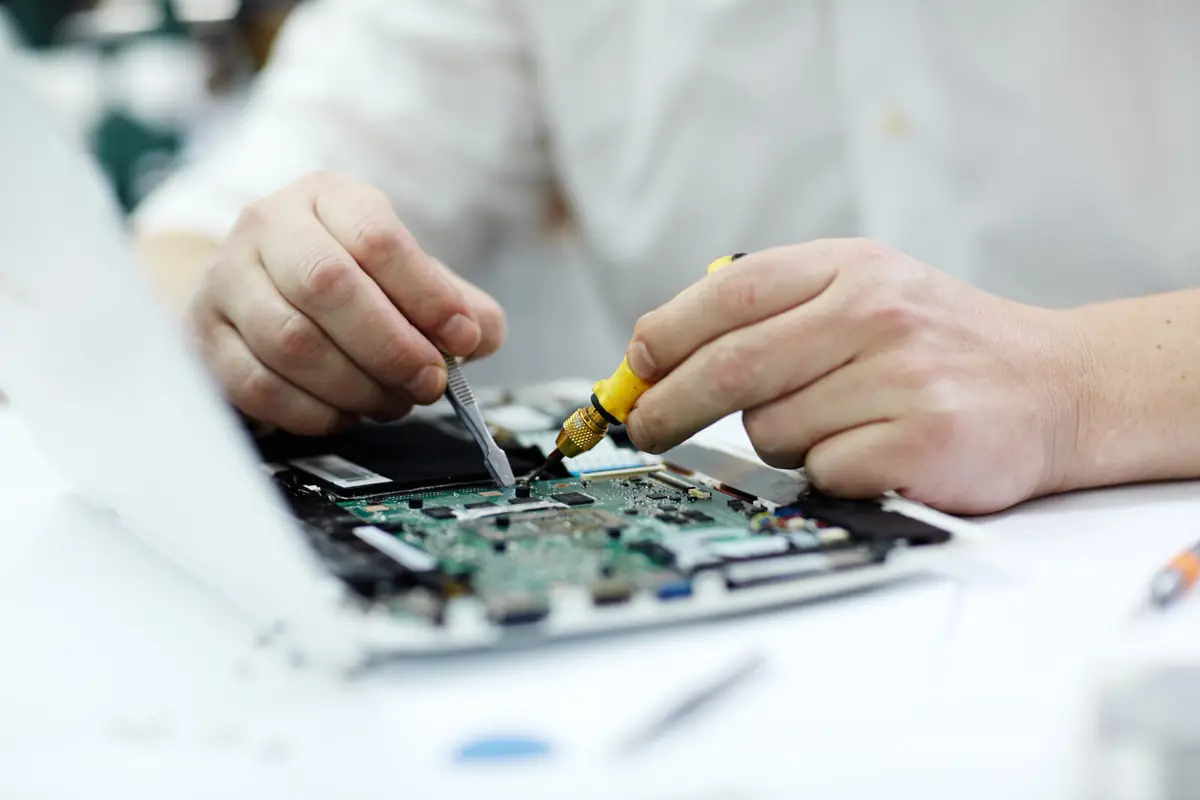
First, we check the reported symptoms and the relevant hardware or software. Afterwards, we explain the likely fault, available repair options and any applicable inspection fee. The final price depends on the laptop model, fault and parts required.
No repair is carried out without the customer’s approval. Once the problem has been assessed, we confirm the recommended work and estimated cost before proceeding.
We handle customer devices carefully during inspection, repair and testing. However, because a failing drive or damaged motherboard can affect stored files, we recommend keeping a current backup whenever possible.
We service many Acer, ASUS, Dell, HP, Lenovo, MSI, Samsung, Toshiba and selected Apple MacBook models. Parts availability and repair options vary by exact model, age and condition.
Laptop Hardware and Software Repairs
Common Laptop Repair Services
Our laptop repair services cover common physical damage, power problems, cooling faults, storage failures and software issues. In particular, the blue-star lists below show the repairs customers request most often.
Understanding common laptop problems
Power and charging: A laptop that does not turn on or charge may have a battery, adapter, DC jack, charging circuit or motherboard fault. Therefore, the device should be tested before replacing parts.
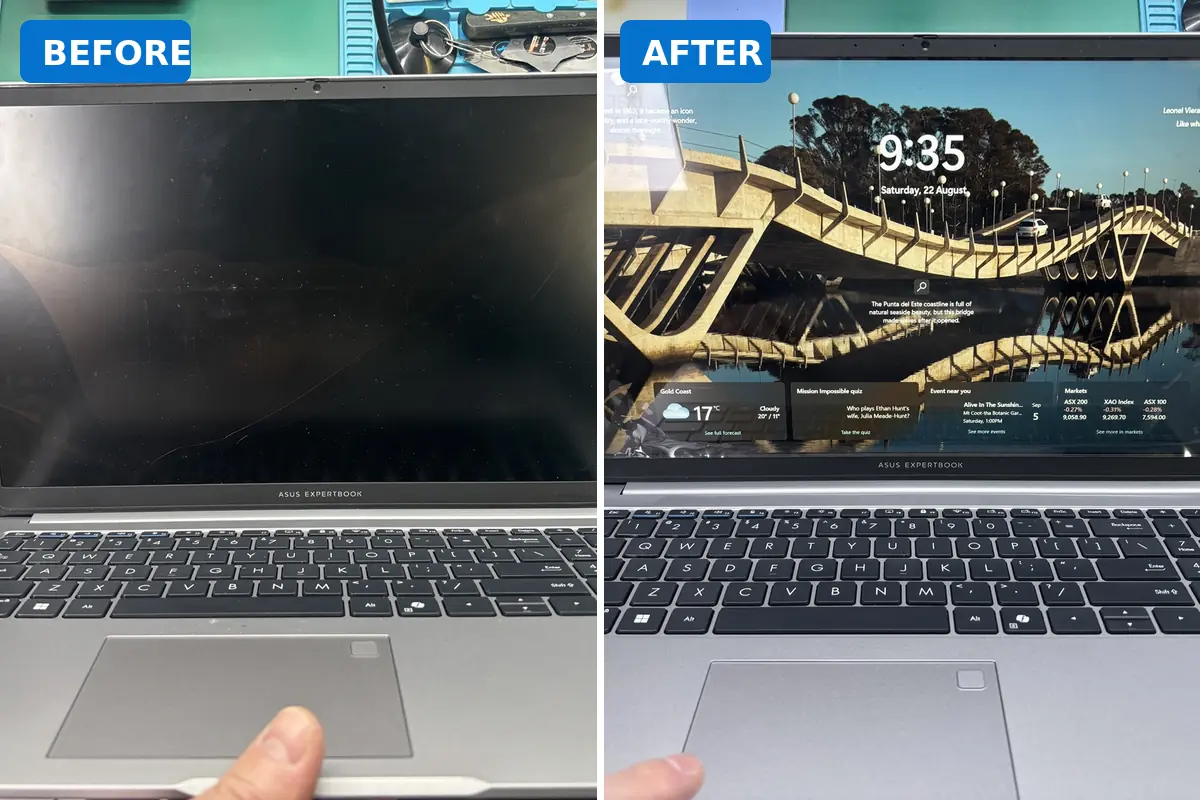
Screen and hinge damage: Cracks, flickering, dim images and damaged hinges may involve the LCD, backlight, display cable, hinge mounts or casing. In addition, continued use can sometimes cause further physical damage.
Heat and performance: Dust, worn cooling components, storage faults or software problems can make a laptop slow, noisy or unusually hot. First, we identify the likely cause; then, we recommend the appropriate cleaning, repair or upgrade.
Liquid damage: Because corrosion can continue after a spill, switch the laptop off and avoid charging it. Repair availability depends on the condition of the motherboard and surrounding components.
Laptop Upgrades and Performance Improvements
Improve a Slow Laptop
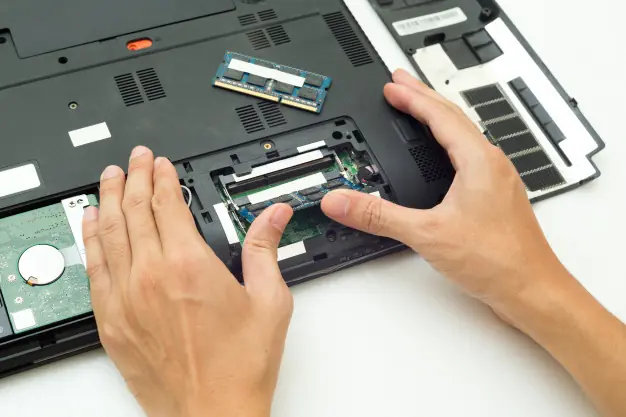
A slow laptop does not always need to be replaced. For example, an SSD upgrade, additional compatible memory, cooling service or clean Windows installation may improve performance. However, the best option depends on the laptop specification, condition and intended use.
Before software work or storage replacement, back up important files whenever possible. You can also review official guidance from Microsoft Windows Support or Apple Mac Support.
How Our Laptop Repair Process Works
Laptop Inspection and Repair Process
1. Bring in the laptop
First, bring the laptop and explain the symptoms, recent damage or error messages. Please also bring the charger when the fault may involve power or charging.
2. Inspection
Next, we inspect the relevant hardware or software and assess the available options.
3. Repair recommendation
Then, we explain the proposed work, estimated price and any applicable inspection fee.
Approval, Repair and Testing
4. Customer approval
No repair is performed until you approve the recommended work.
5. Repair and testing
After approval, we complete the repair and test the relevant functions. Turnaround time depends on the fault, model, parts availability and the extent of any motherboard or liquid damage.
6. Collection
Finally, we contact you when the laptop is ready. Warranty coverage depends on the repair type and parts fitted.
Visit Our Gold Coast Laptop Repair Shops
Ashmore City Shop
Fast Computer & Phone Repairs
Shop L1, Ashmore City Shopping Centre
206 Currumburra Road
Ashmore QLD 4214
Phone: 0435 358 488
Arundel Plaza Shop
Fast Computer Repairs
Shop 22, Arundel Plaza Shopping Centre
230–232 Napper Road
Arundel QLD 4214
Phone: 0431 957 715
Frequently Asked Questions About Laptop Repairs
Yes. First, we inspect the charger, charging socket, battery, power circuit and motherboard as appropriate. Afterwards, we explain the available repair options.
Yes, screen replacement is available for many laptop models. However, we need the exact model number and screen specification to confirm part availability and price.
Often, yes. For example, suitable laptops may benefit from an SSD, additional compatible memory, internal cleaning or software servicing. We first check the laptop before recommending an upgrade.
Please bring the charger when the laptop does not turn on, does not charge or has intermittent power. Otherwise, ask us if the charger is required for the reported fault.
Turnaround time depends on the fault, model and parts availability. In addition, motherboard faults, liquid damage and uncommon parts may require more time.
Any applicable inspection fee depends on the laptop and fault. Similarly, warranty coverage depends on the repair type and parts fitted. We explain the relevant details for your repair.